 YardTime
Support
Privacy
YardTime
Support
Privacy
Press kit
Writing about YardTime? Everything you need is on this page, and a human answers the email at the bottom — usually within a day or two.
In one sentence
YardTime is a free iPhone app that gives neighbors whose dogs bark at each other through the fence a shared, live "yard status," so everybody gets a turn out back.
In one paragraph
When two dogs share a fence line, letting them out at the same time means twenty minutes of barking — trainers call it fence fighting, and the fix is taking turns. YardTime makes the turns effortless: one tap tells the neighbors the yard is taken, a timer checks that you're done and then frees it back up, and everyone gets a ping the moment it's clear. Know you'll want the yard at 7:30? Plan it, and the neighbors see it coming. There are no accounts and no servers — status syncs through the group's own iCloud — and the app never opens if you don't want it to: the yard can be flipped from a widget, an Apple Watch, Siri, the Action Button, an NFC sticker by the back door, or the "yard is clear" alert itself.
The story
YardTime started as a fix for one actual fence line — two otherwise delightful dogs, one shared chain-link fence, and a group chat whose photo got renamed to "dog" whenever a dog was out. The app is that group-chat trick made into something that can't be forgotten. The longer version, including everything we deliberately didn't build (feeds, accounts, a server), is at /why.
Angles that tend to interest people:
- It has no server. Yard status lives in the group's own iCloud via CloudKit sharing. There's no backend, no analytics, no accounts — nothing to leak and nobody to sell to. The privacy policy fits on one page: /privacy.
- The NFC trick. A few dollars of NTAG stickers plus Apple Shortcuts, and letting the dog out becomes tapping your phone on the door frame — no app, no unlock. Guide: /tap-tags.
- A heads-up, never a lock. A planned yard time is visible intent, not enforcement: neighbors see "Heading out 7:30–8:00 AM", overlaps get a warning and are always allowed, and the shared status only ever says "occupied" when a dog is actually on the grass — a timer that runs out asks before it clears, rather than declaring the yard free on a guess.
- It solves a real dog-behavior problem. Fence fighting is one of the most common complaints trainers hear, and the professional advice — manage the yard schedule — is exactly what the app operationalizes: /fence-fighting.
- Small on purpose. Built for the two or three households on one street, not the whole internet — and it goes unusually deep on the platform for an app that size: widgets, Lock Screen, Live Activity with a Dynamic Island countdown, an Apple Watch app and complication, Siri, and the Action Button.
Facts
- Price: free — no ads, no subscriptions, no in-app purchases. A tip jar keeps the lights on.
- Platforms: iPhone (iOS 17+) and Apple Watch (watchOS 10+). NFC tap tags need an iPhone XS or later.
- Accounts: none. It uses the iCloud account already on the phone.
- Data: no analytics, no tracking, no third-party SDKs; status is stored in the group's own iCloud and shared only with the group.
- Recently added: planned yard times, timers that check in before the yard clears, a shared recent-activity feed, timer reminders for everyone in a household, and a one-tap let-out from the "yard is clear" alert.
- Download: App Store (Lifestyle).
Assets
Use these freely in coverage of YardTime. Right-click (or long-press) to save.
- App icon (PNG)
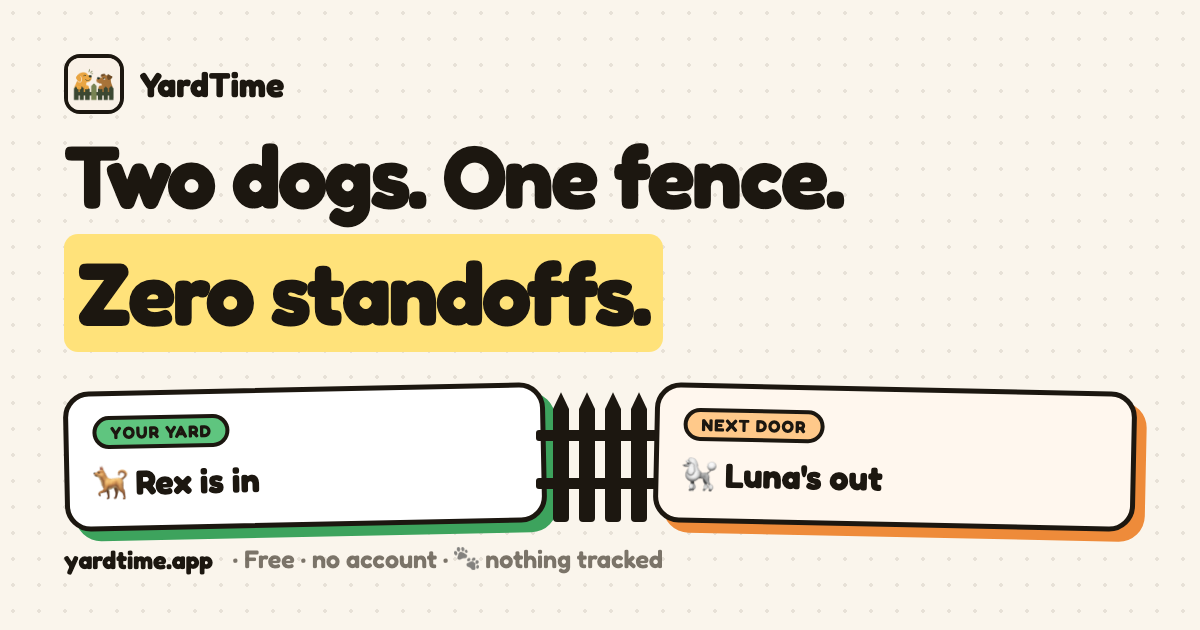
- Social / cover card, 1200×630 (PNG)
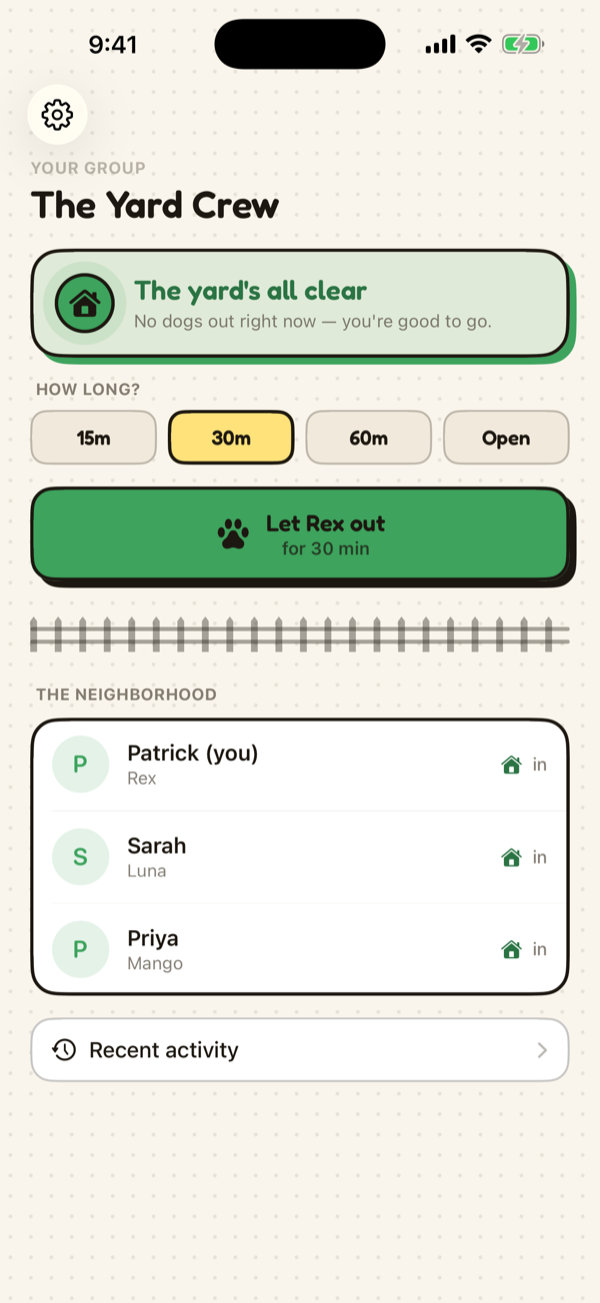
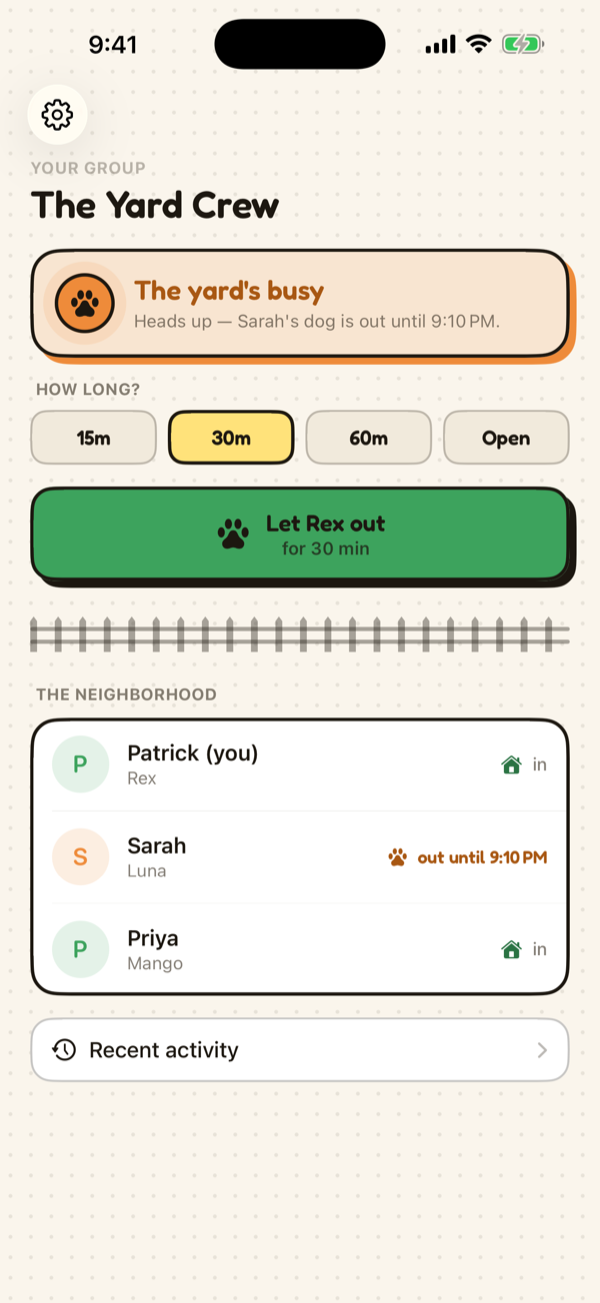
- App screenshots, 600×1303: yard clear · yard occupied
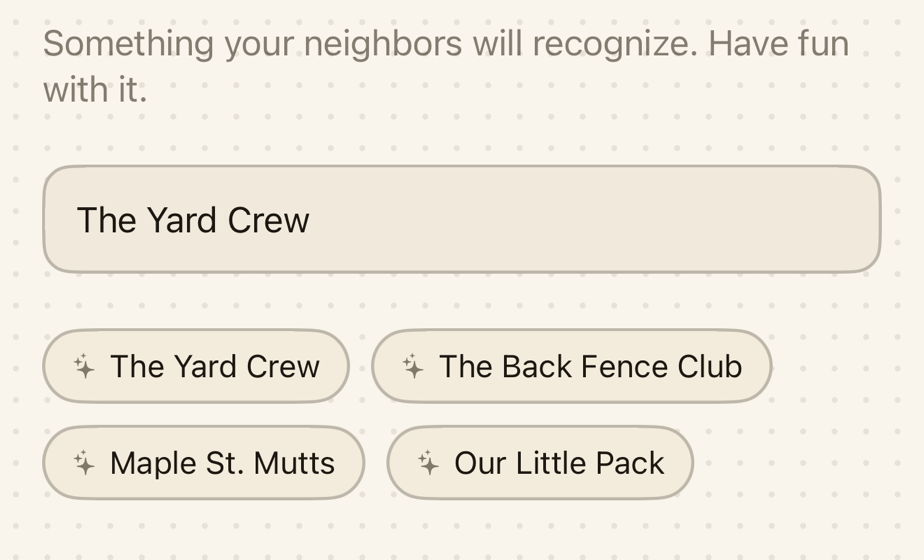
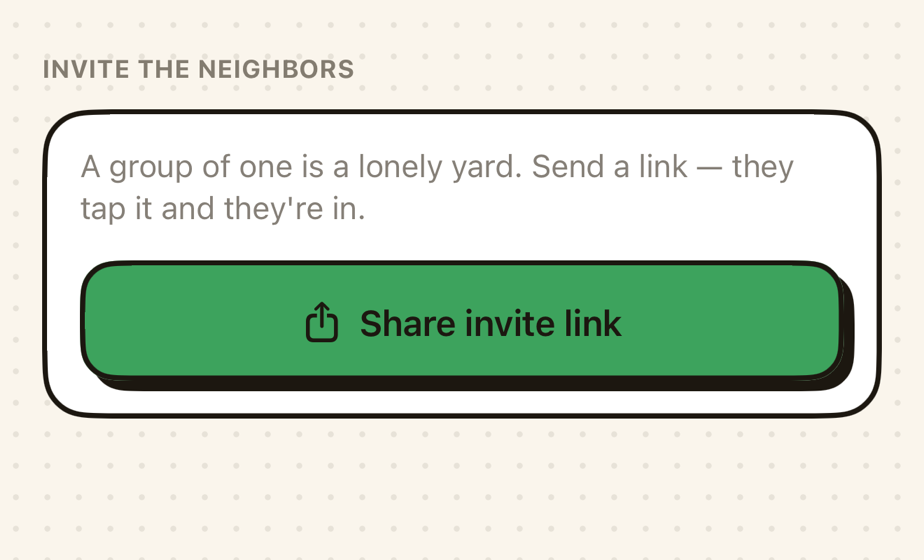
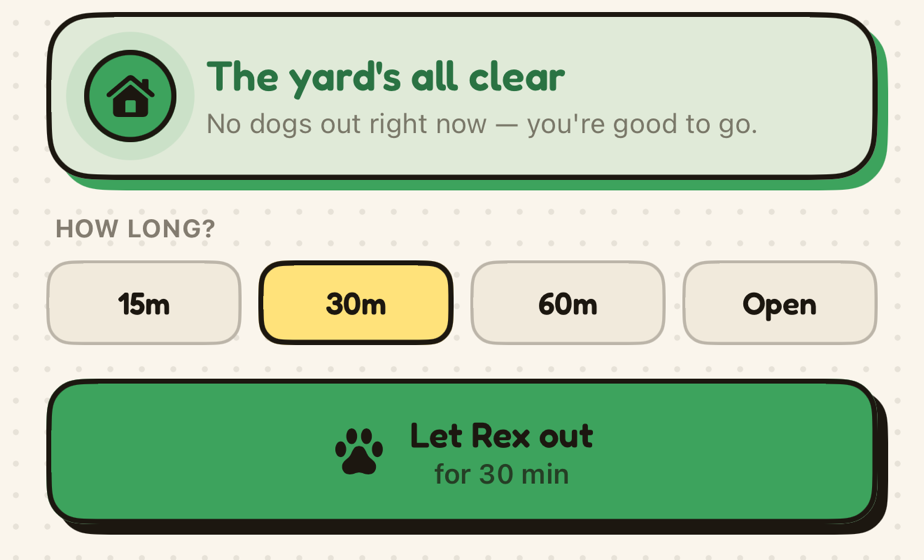
- Setup-flow shots, 924×560: naming a group · the invite link · letting a dog out
Please don't stretch, recolor, or add effects to the icon.
Contact
Questions, interviews, review builds, or anything else: [email protected] — it goes to the person who made the app, not a ticket queue.